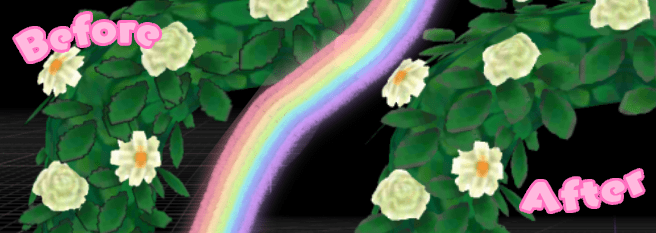
If you’ve played around with texture modding Animal Crossing: New Leaf; you’ve probably noticed that after you’ve finished working on it that some annoying black harsh outlines appear the model/sprites. In this tutorial I’ll be covering how to remove those so that your texture mods look cleaner and more aesthetically pleasing.
For this guide you can click to enlarge images as the text may be hard to read references images.

What You’ll Need
Firstly, you’ll need a modded console and/or an emulator with a ROM of AC:NLWA to actually use your own mods and test if they’re running – but if you’re reading this guide then I’m obviously assuming you have this already.
You’ll also need your own texture mods which you should also have too given that you’re reading this tutorial guide. If you’re interested in creating texture mods for Animal Crossing: New Leaf please follow this guide.
You’ll also need a photo editing tool for texture editing. I like to use Photopea personally but there are also good other photo editing tool alternatives like Paint.NET and GIMP that work too, use whichever is easier for you! For this tutorial I’ll be using Photopea.

Removing Black Outlines
First open up your texture mod in CTRStudio that has the harsh black outlines.
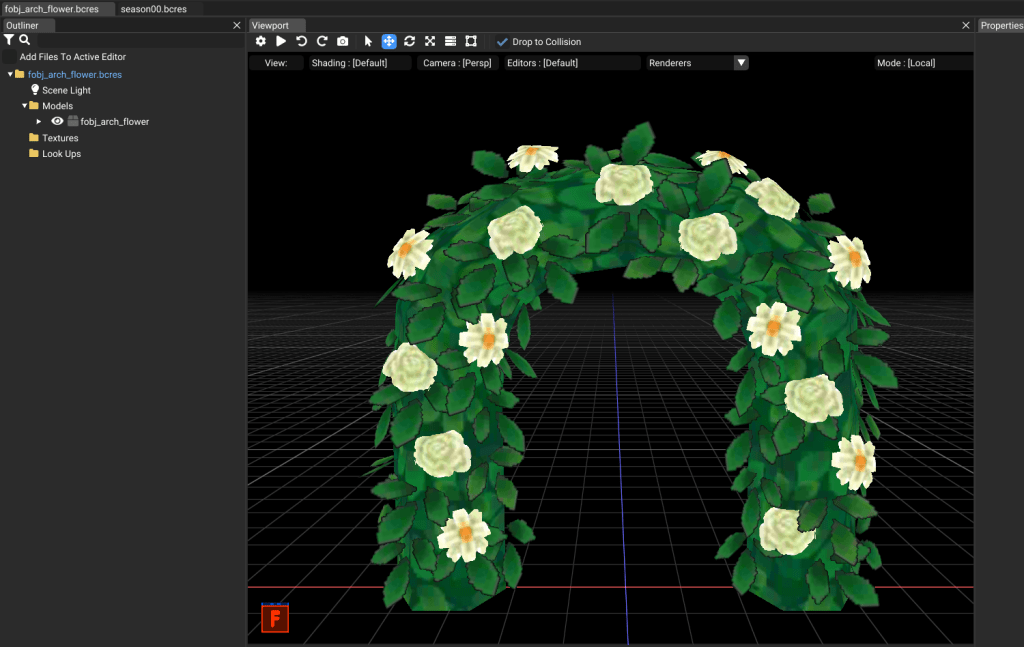
As you can see, this public works project mod I made back in spring 2026 has very harsh black outlines.
Export the texture for the mod and then open it in your photo editing software of choice.
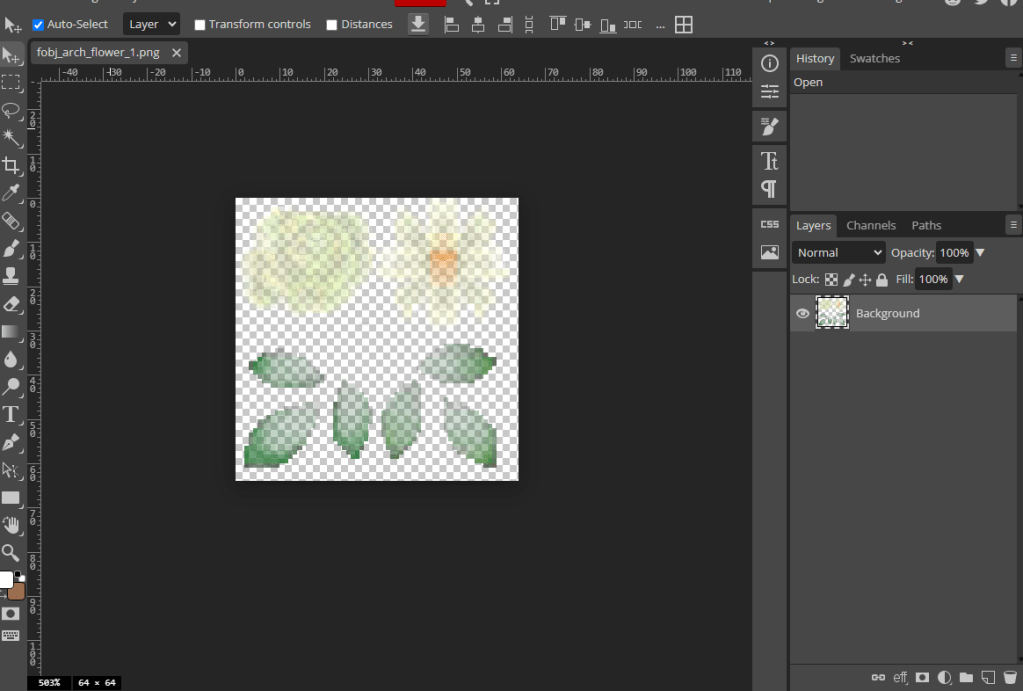
Make a duplicate of the texure so that you have two identical copies of the texture.
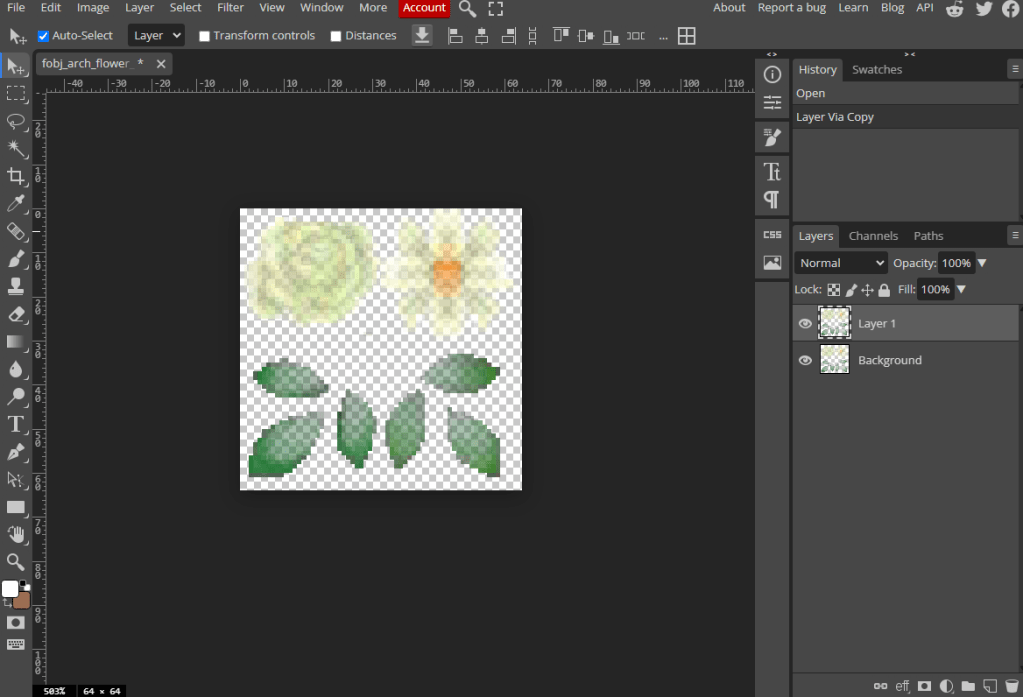
Then, select the bottom layer and then add a gaussian blur of around 0.7px.
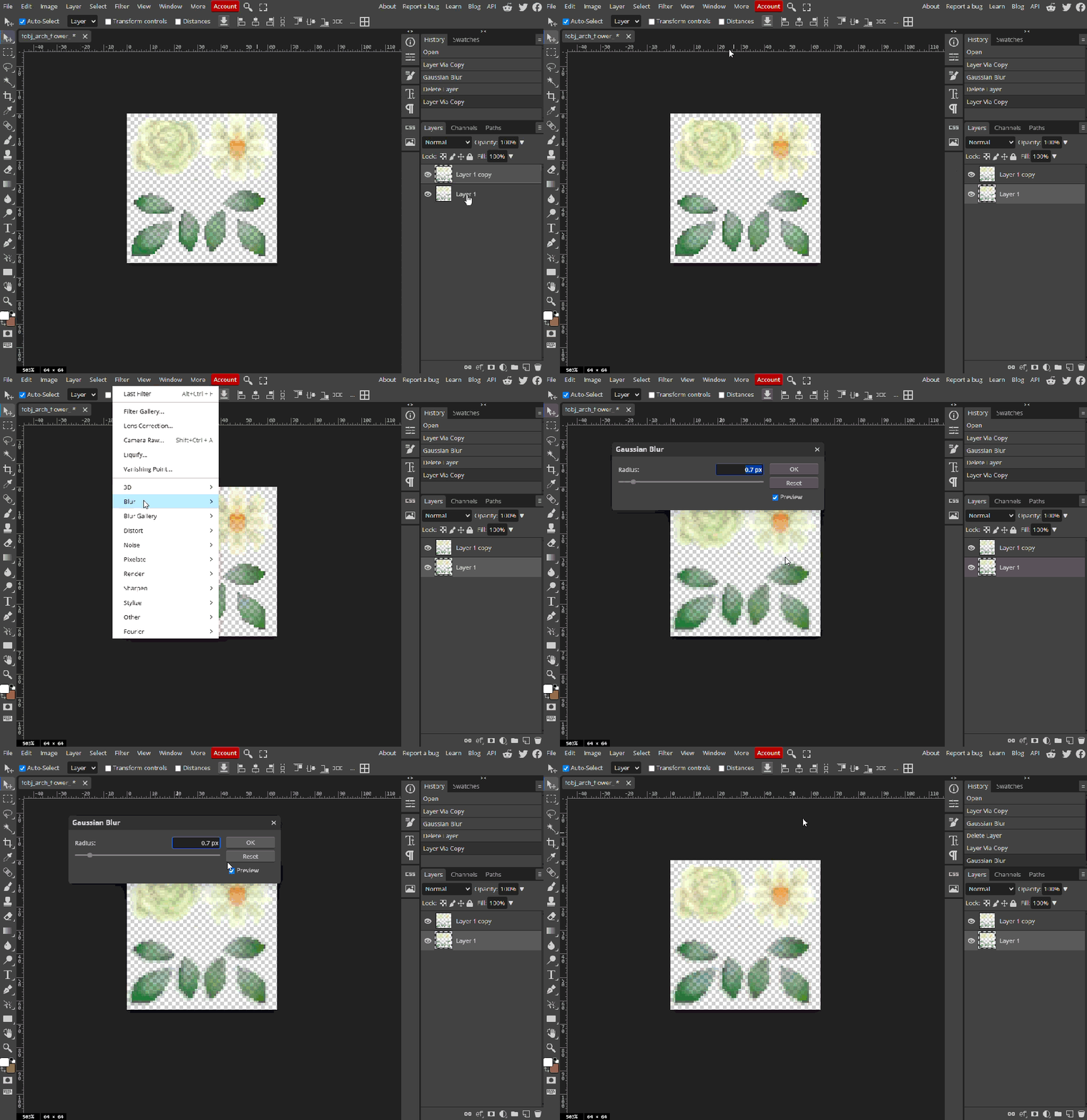
You can find the guassian blur effect by navigating to:
Filter > Blur > Gaussian Blur
Make sure that it is around 0.7px as you only want it to be minimal. Once you’re finished with that reimport the texure into CTRStudio.
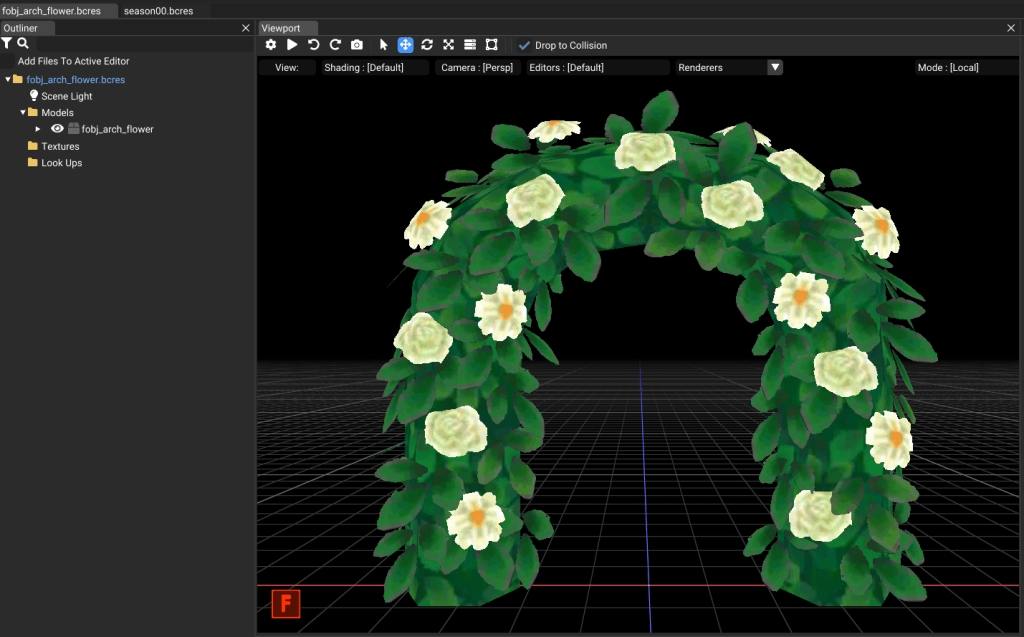
And you’re all done! The harsh black outlines will be gone from your texture mods!
Credits
Full credits to idyllicpixie (previously known as TiredMushroom) for discovering this method to remove black outlines!

